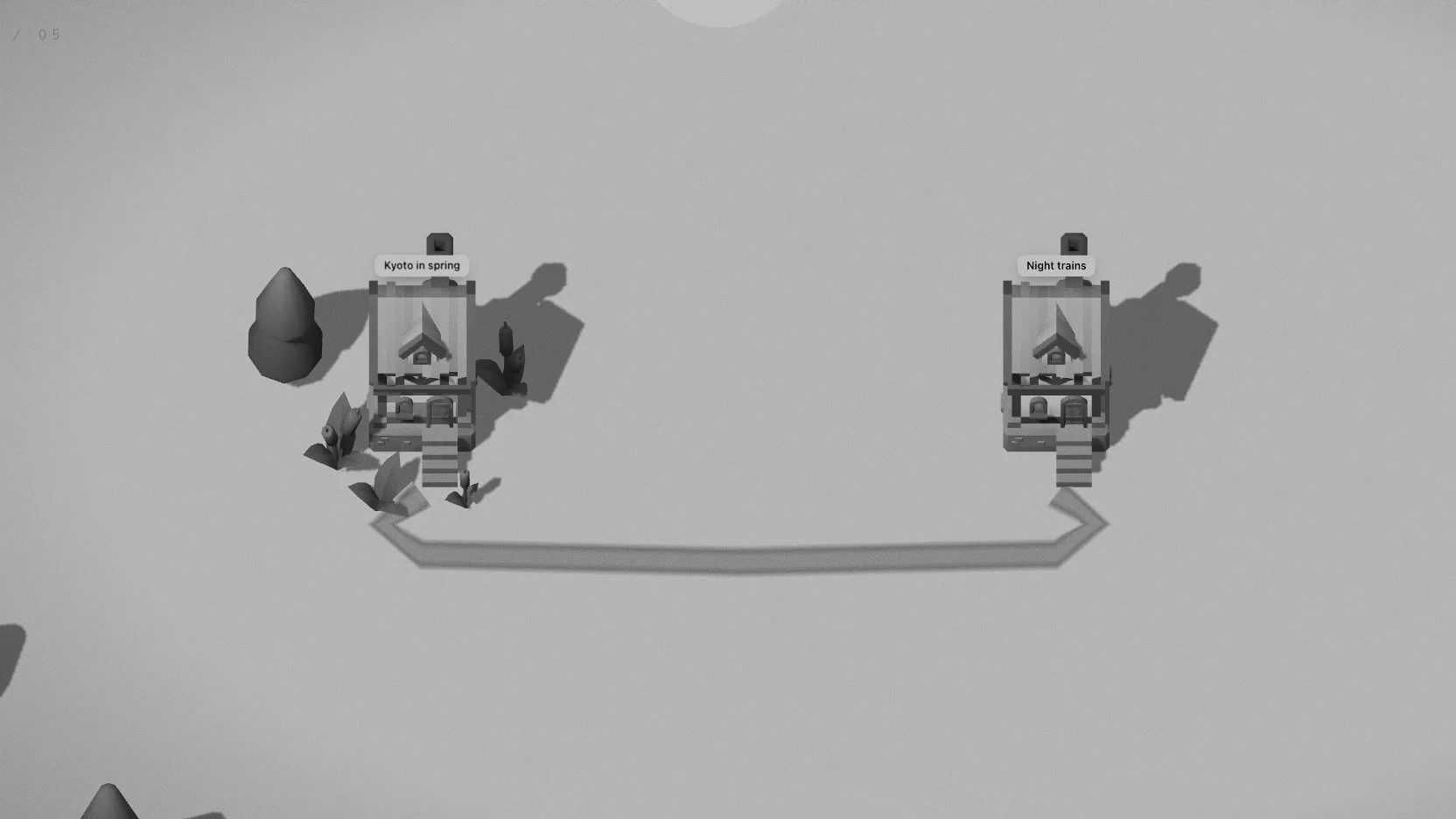
Everything on Aloha’s map comes from writing. This guide covers writing a thought, the short side thoughts that belong to it, pictures and files, links that become roads, and what happens when you move or delete a note. If you work in an Obsidian vault, all of this is saved straight to your Markdown files — see Aloha for Obsidian.
Writing a thought
Press N on a computer, or tap the round + button on a phone and choose Build → Thought. You can also hold the ground (right-click on a computer) and choose Thought: it will go up exactly where you held.
The first line becomes the title; Enter saves, Shift + Enter starts a new line. A thought has a kind — a plain thought, a question, a task, a link or a draft — and a destination:
- Here — the house goes up right beside you.
- A side thought for the house nearby (see below).
- A new place, or any other place — the thought flies off through the portal and lands there.
A building site appears, the walker hammers for a moment, or two residents come over to help, and the house goes up: frame, walls, roof. Changed your mind? The toast that says the thought was saved has an Undo.
Side thoughts
A side thought is a short line that belongs to a house, up to 90 characters: a footnote, an objection, the next step. Add one from the reader with + Side thought. In the reader, any side thought can be turned into a thought of its own, or removed (with undo).
Side thoughts count the most towards the garden by a house’s door. Length, pictures and links count too: first two flower pots, then bushes, ivy on the walls and finally a tree.
Pictures, files and links
Stand at a house or open its note, then paste (⌘ V) or drop a picture, a file or a web link onto it. Pictures show as thumbnails and up to three hang on the house’s wall; a link shows its site’s icon. In a world kept in the browser, files are stored in the browser; in an Obsidian vault they are saved as real files in an attachments folder next to the note, where Obsidian sees them too.
Linking notes into roads
A link between two notes is a road from one door to the other. To lay one, hold a house (right-click on a computer) and choose Trail, then walk to the other house and connect — on a computer, Enter or Space. In build mode (B) you can also drag from one house to another. In an Obsidian vault, every [[wikilink]] in a note draws its road by itself.
Roads find their way round houses, join roads that are already there, and cross water on bridges. One link makes a path; two links sharing a stretch make a road; three or more make it paved, with lamps that light up after dark.
Carrying notes
Hold a house and choose Take along: it hops into a bundle on a stick over the walker’s shoulder. From the bundle you can put it down somewhere else, let it go into the lake as a paper boat (you can fish it out later), or carry it off the map — share it, copy it as Markdown, or download it as a .md file.
Letting a note go
Deleting is a small scene, and you choose how it goes: burn it, blow it up, send a tornado, let the ground swallow it, or drop a meteor. Each one can be undone for a few seconds afterwards. In an Obsidian vault the file goes to the vault’s .trash folder; with Notion, the page goes to Notion’s trash.
Next: Places and portals, or how notes get read again in How to take notes you’ll actually come back to.