See your Notion pages as a town
Connect Notion
Choose Notion
Open app.aloha.place and choose Notion on the welcome screen.
Pick pages on Notion’s screen
Sign in with Notion and choose which pages to share with Aloha. Aloha sees only those pages and what’s inside them.
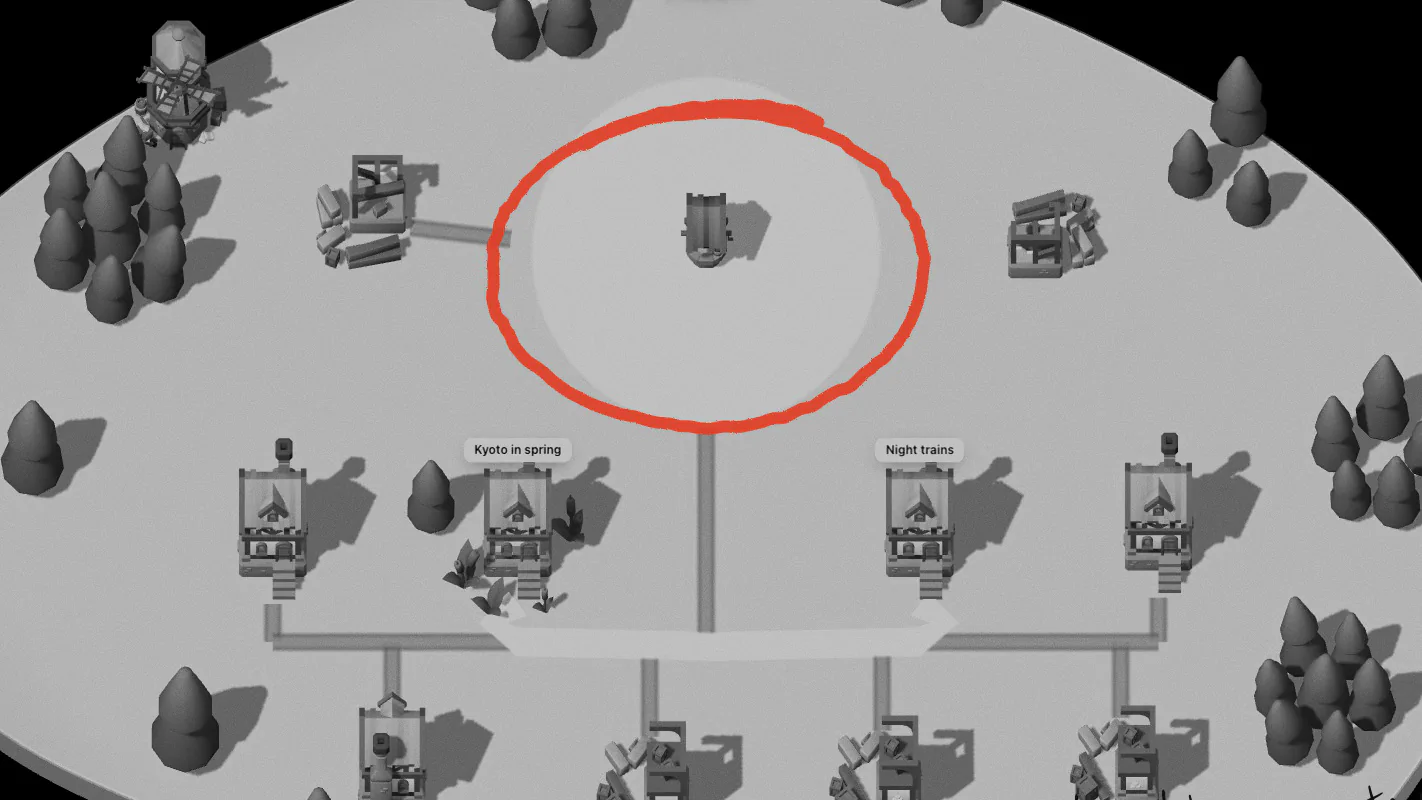
Look around
Aloha lays out what it can see. To add pages later, open a page’s ⋯ menu in Notion, then Connections, then Aloha.
How your pages appear
| In Notion | In Aloha |
|---|---|
| A top-level page with pages inside | A land, with that page as a house in it |
| Pages below it, at any depth | Houses in that land |
| A database | A land; each row is a house |
| A row’s properties | A small table at the top of the note |
| A top-level page with nothing inside | A house in the Field |
| A page mention, a link to a page, a sub-page | A road |
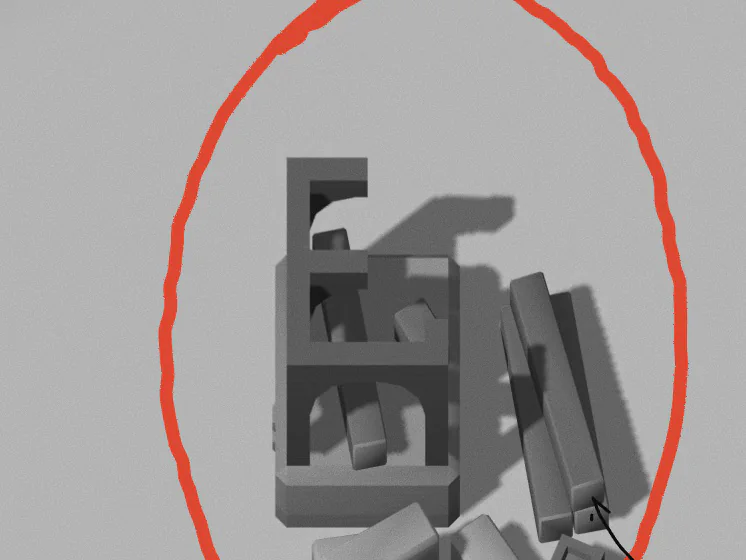
Every page inside a land is a house of its own.
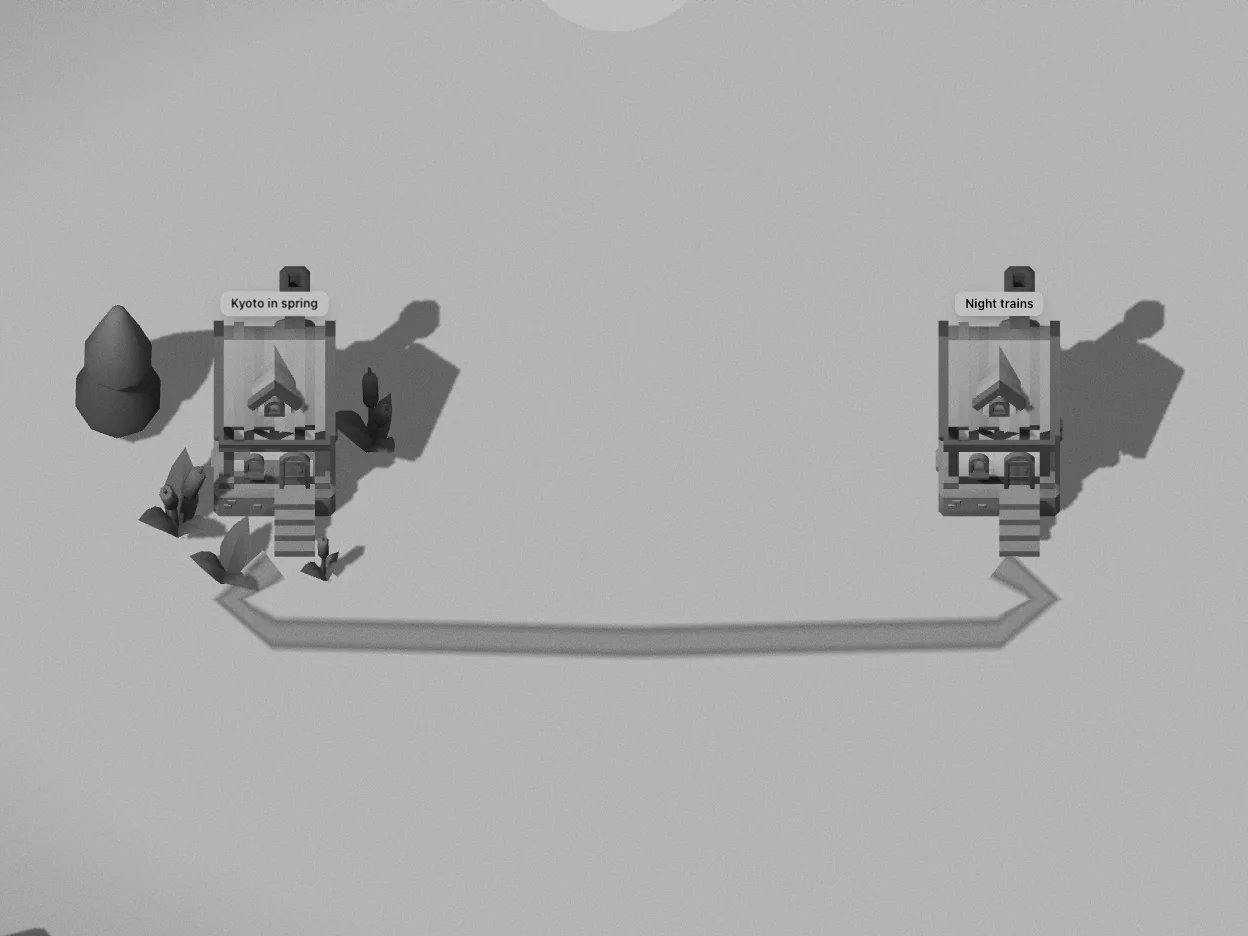
A mention of another page lays a road between their doors.
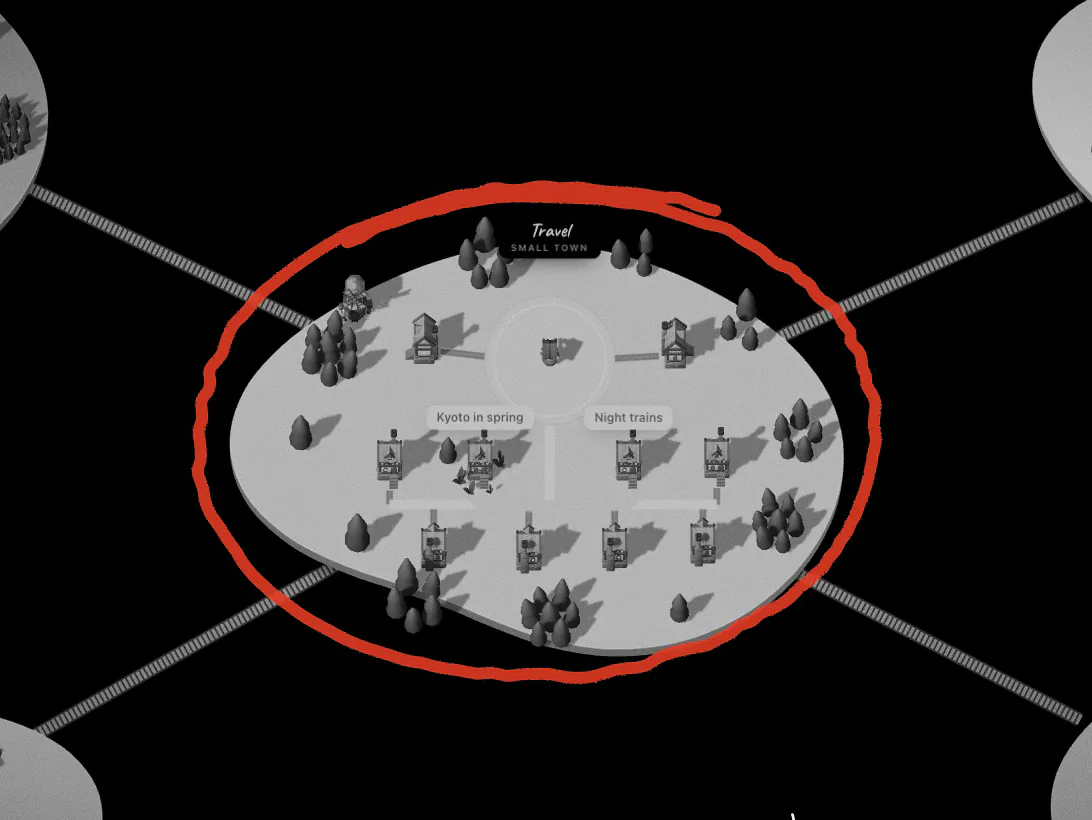
Pages with pages inside are lands, joined by bridges.
How pages read
Pages open as they are written: headings, lists, to-dos, quotes, callouts, tables and columns, with bold, italics, highlights and links. Toggles open flat, their contents underneath. Pictures, files, videos and bookmarks become cards under the note.
Aloha reads up to two levels of nesting inside a page. Pages are kept in your browser so the world opens quickly, and each one is fetched again only when it has changed in Notion.
Writing back
Simple pages (plain paragraphs, headings, lists, to-dos and quotes, no formatting) can be edited in Aloha, and your text replaces the page’s text in Notion. Pages with richer content stay as they are; edit those in Notion.
A new thought becomes a new page in its land, or a new row if the land is a database. Deleting a note moves its page to Notion’s trash, and undo brings it back. Moving a house to another land changes only Aloha’s map.
Your token, kept out of reach
Signing in gives Aloha a token for the pages you chose. It is kept in your browser in an encrypted, HttpOnly, Secure cookie: the page’s scripts can’t read it and Aloha’s server keeps no copy. Requests to Notion pass through Aloha’s server only to attach that token.
To disconnect, choose Disconnect Notion in Aloha. To remove Aloha’s access altogether, remove the connection in Notion’s settings.