How Aloha shows your notes
What stands for what
- A folder
- A landwith its own ground, a square and a portal
- A note
- A houseits name above the door
- A link
- A roadfrom one door to the other
- A side thought
- A gardenby the door; it counts the most
- A picture
- On the wallup to three on the house
Everything on the map stands for something in your notes.
Walking
On a computer, walk with WASD or the arrow keys and hold Shift to run, or click where you want to go.
On a phone, tap the ground to walk there, or slide a finger to steer: a small push creeps, a full push walks, pull further and you run. Pinch in to see the whole map.
Reading a note
Walk up to a house and its name appears above the door. On a computer press Space, E or Enter; on a phone tap Read. The note opens full-screen.
The arrow keys, or a swipe on a phone, turn to the next note in the same place, so you can read a whole street without walking it.
Writing a thought
Press N on a computer, or Build → Thought on a phone, and write. The first line becomes the title. A thought can be a plain thought, a question, a task, a link or a draft.
It lands right beside you. A building site appears, the walker hammers for a moment (or two residents come over to help) and the house goes up: frame, walls, roof. You can also send a thought to another place, and it flies off through the portal.
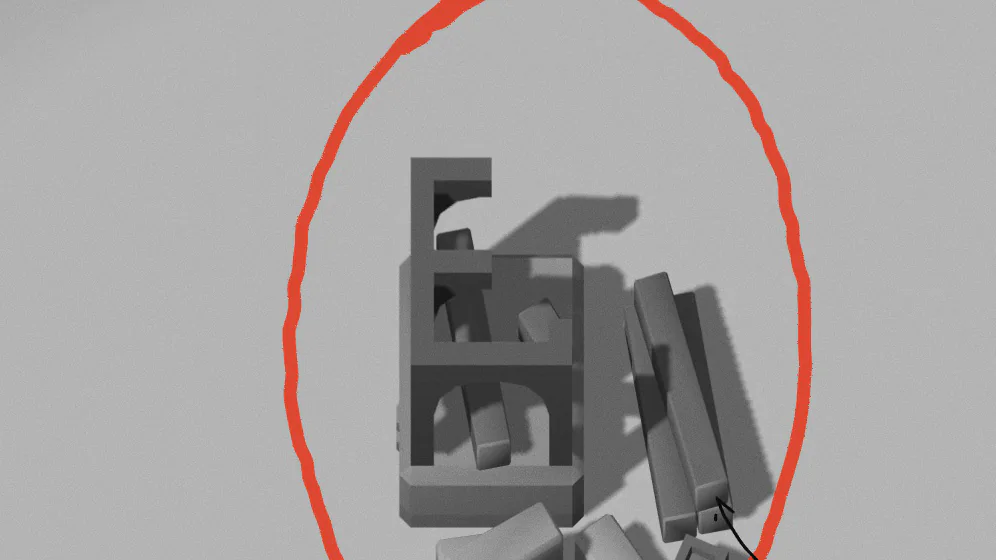
Side thoughts
A side thought is a short line that belongs to a house, up to 90 characters: a footnote, a counter-argument, the next step. Add one from the reader. Any side thought can later become a note of its own.
Gardens
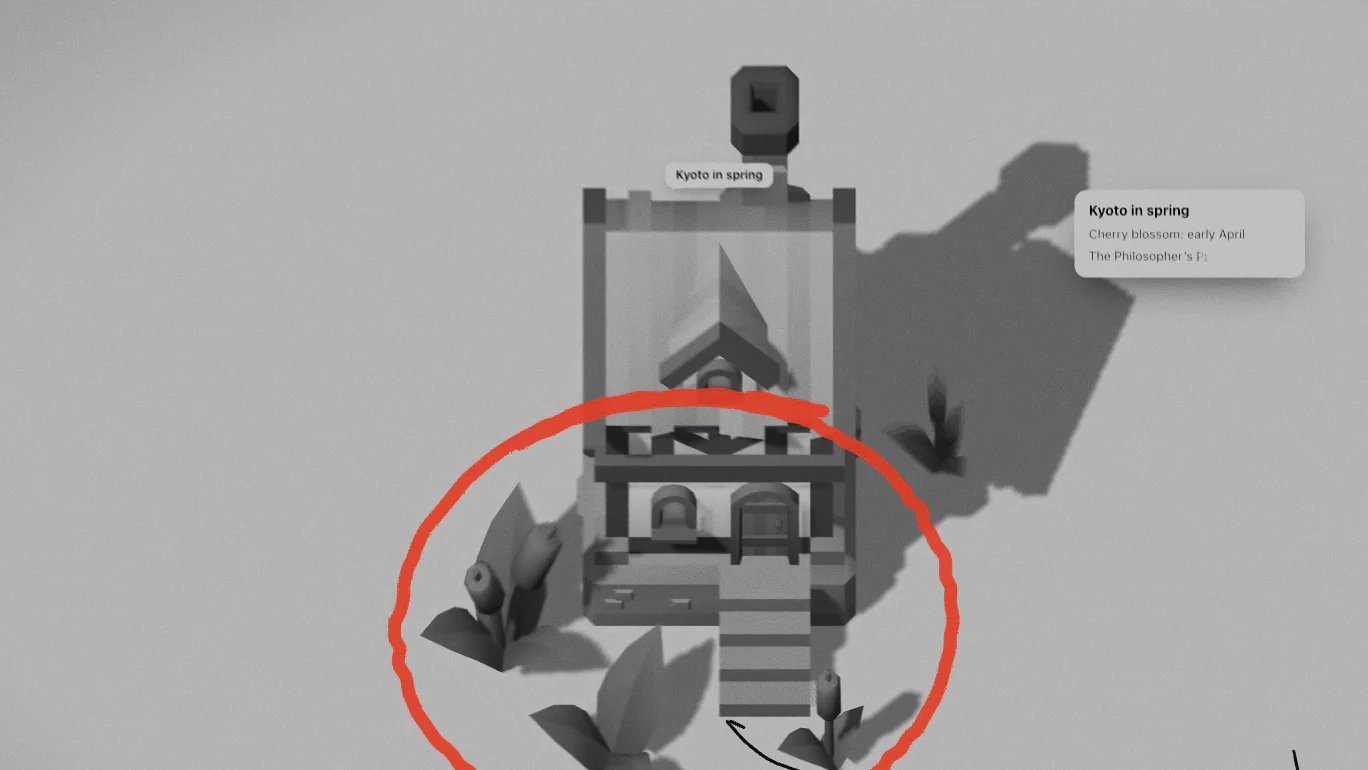
A house’s garden shows how much work is in its note: its side thoughts, its length, its pictures and its links. Two flower pots come first, then bushes, then ivy on the walls, then a tree beside the house.
Attach pictures to a note and up to three of them hang on the wall that faces you.
Links and roads
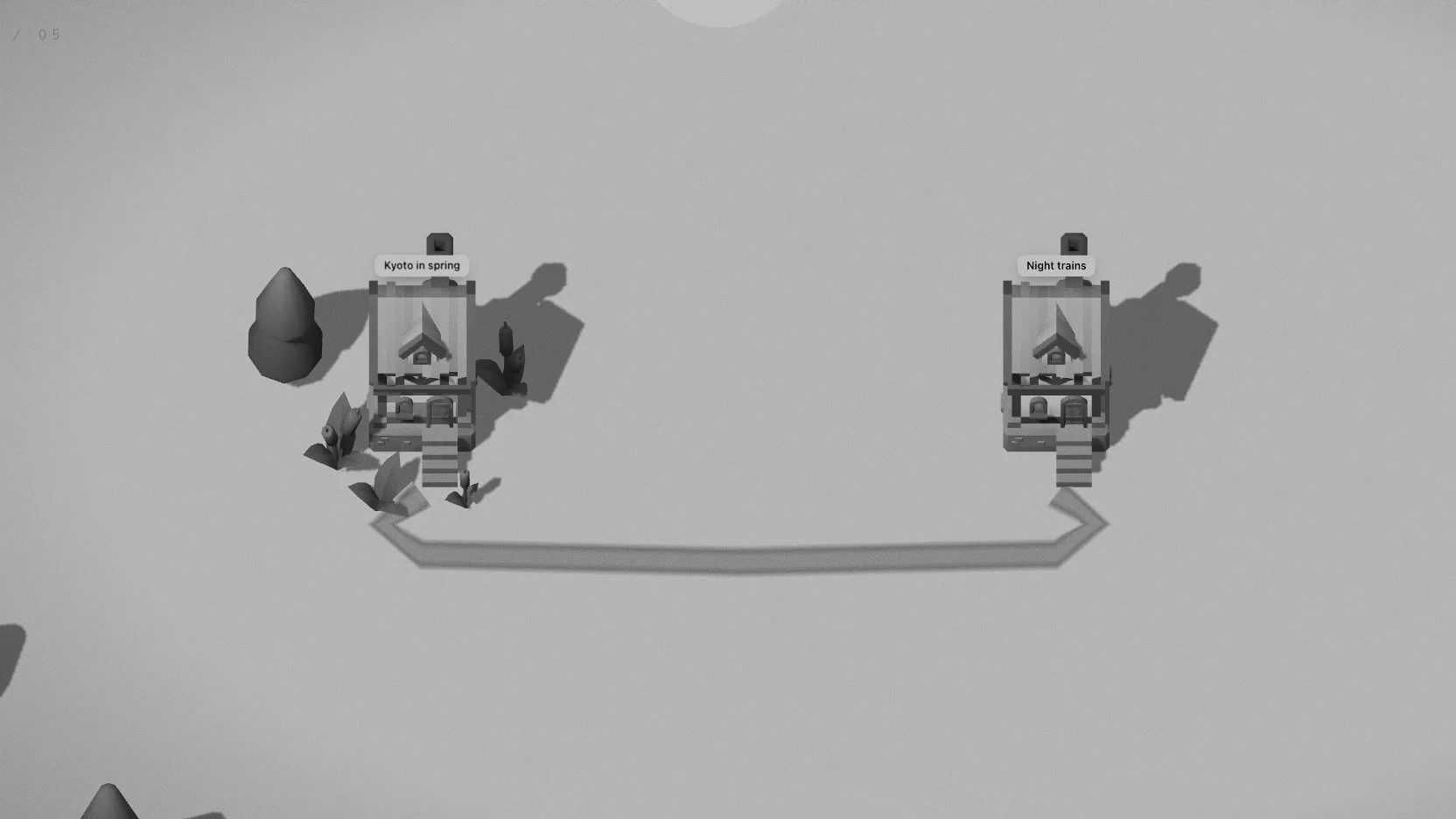
A link between two notes is a road from one door to the other. Roads find their way round houses, merge with roads that are already there, and cross water on bridges.
One link makes a path. Two links sharing a stretch make it a road. Three or more and it’s paved, with lamps along it that light up after dark. In an Obsidian vault every [[wikilink]] draws its road by itself.
Road grades
1 link
A path
a thin track between two doors
2 links
A road
wider, and easier to follow
3 or more
Paving
with lamps along it that light up after dark
How good a stretch of road is depends on how many links run along it.
From hamlet to town
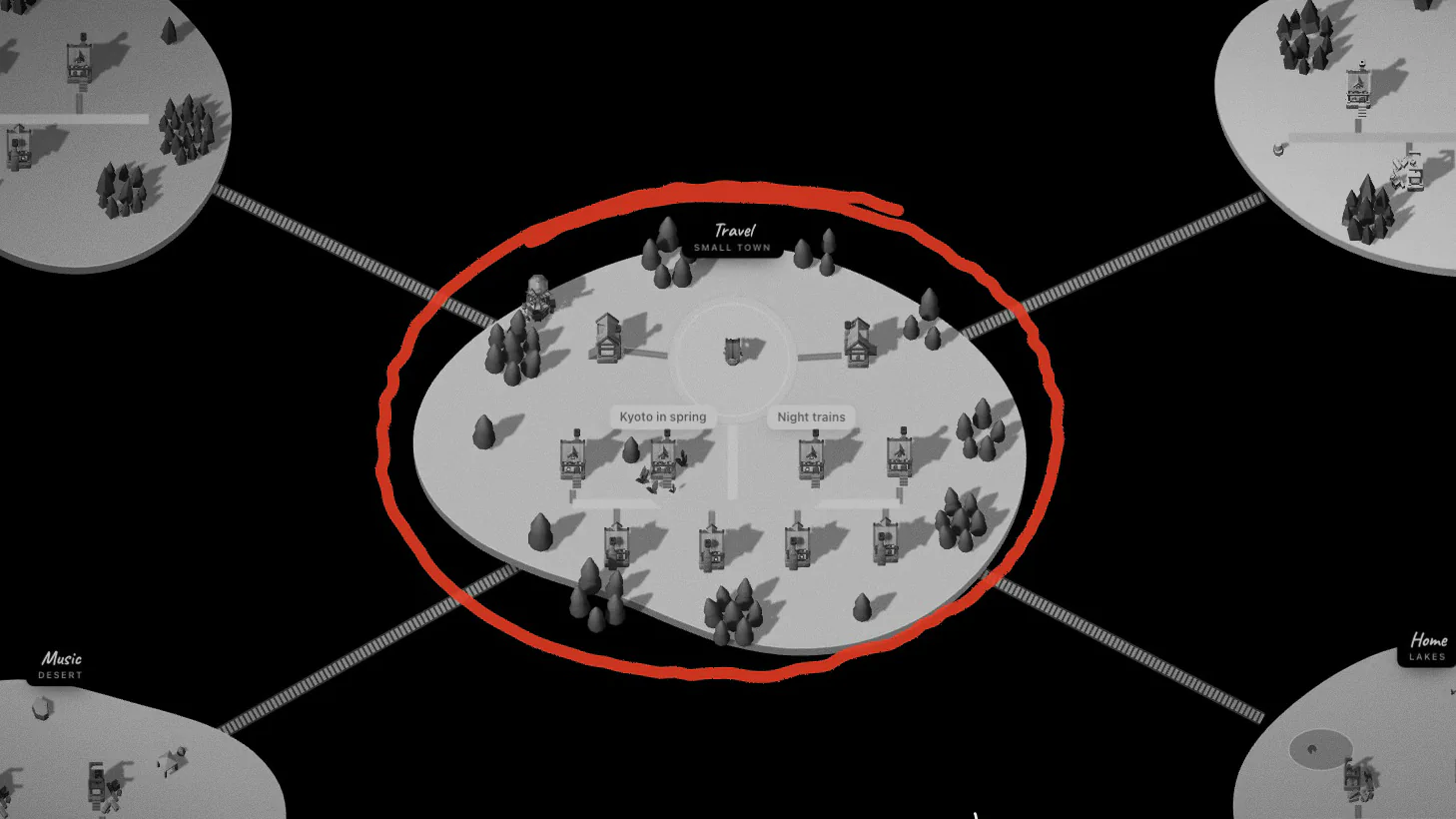
Every land grows round its square. Up to three notes is a hamlet, four a village, eleven a small town, twenty-six a town. The square gets lanterns, benches and flags as it grows.
Stand on the square to see how many notes, roads and residents the place has, and how many notes are left to the next step.
Town sizes
Hamlet
up to 3 notes
Village
4 notes
Small town
11 notes
Town
26 notes
Each step dresses the square a little more: lanterns, benches, flags on the gate.
Places, lands and portals
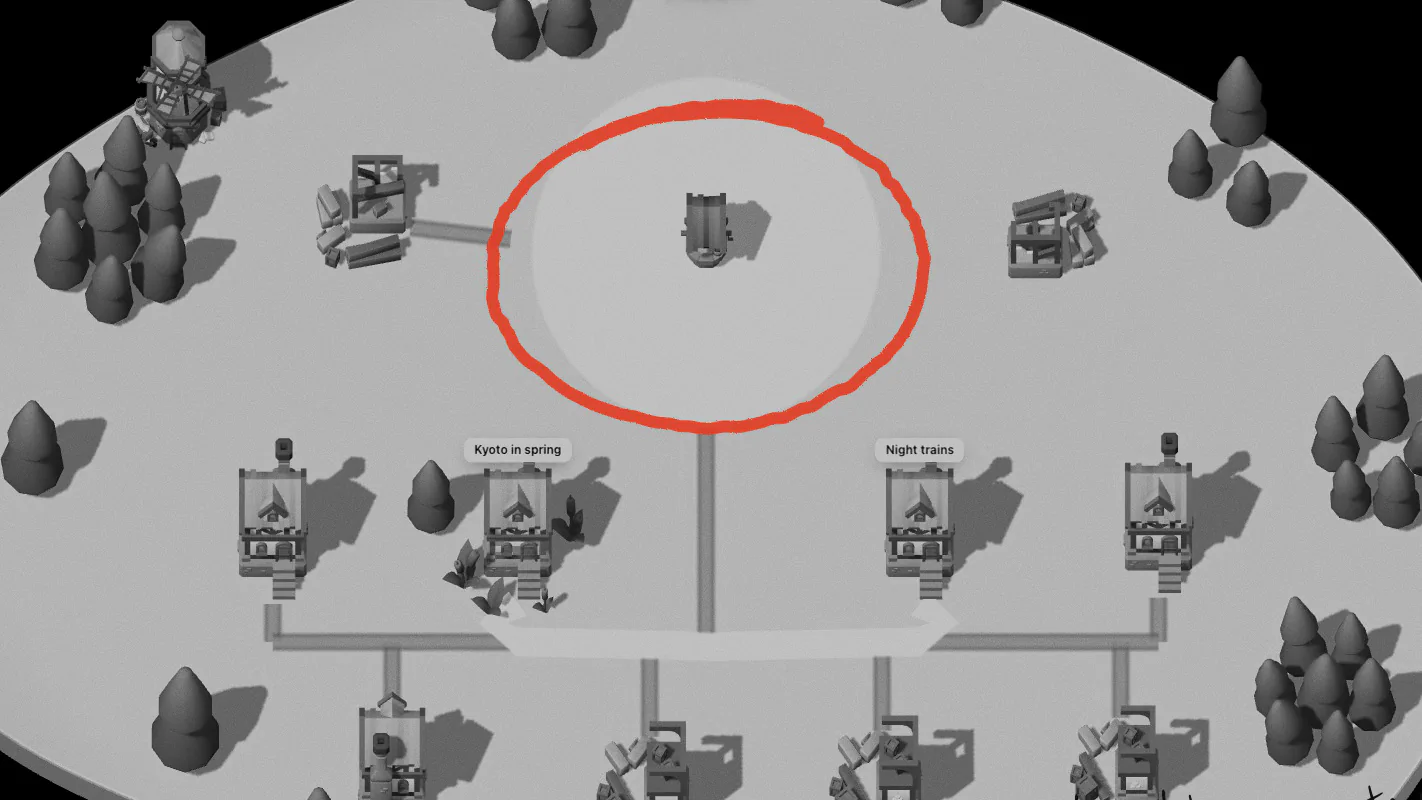
A place is a land round its square, with a portal in the middle. In an Obsidian vault every top-level folder is a place; in Notion, every page with pages inside it. You can also make places of your own.
Each land has its ground: meadow, forest, mountains, desert, snow or lakes. Bridges cross the water between lands and grow from planks to a grand bridge as the place grows. Jump into a portal, choose where to go, and you come out on the other square. There are five kinds of portal, each with its own way of taking you in.
Notes you haven’t visited
A note you haven’t opened for a month fades: its house dims and its flowers go. Open it again and scaffolding goes up while two residents mend it.
The list (L) shows a place’s notes street by street, with filters for notes in progress, questions, and notes you haven’t opened lately. R walks you to the nearest note you haven’t visited yet.
Residents
Small drops of ink live in every place, about one for every two notes. They walk the roads and go in and out of doors. Two of them come to build each new house, and one stays.
Carrying notes
Take a note along and its house hops into a bundle on a stick over the walker’s shoulder. Put it down somewhere else, let it go into the lake as a paper boat (you can fish it out later), or carry it off the map: share it, copy it as Markdown, or download it as a .md file.
Letting a note go
Deleting is a small scene. Choose how: burn it, blow it up, send a tornado, let the ground swallow it, or drop a meteor on it. Each one can be undone for a few seconds afterwards.
In an Obsidian vault the file goes to the vault’s .trash folder; in Notion, the page goes to Notion’s trash.
Day, night and weather
A day in Aloha lasts 24 minutes and starts at your local time: pink dawn, golden evening, deep-blue night. At night the windows of the notes you opened today light up, the lamps come on, and the walker carries a lantern.
Now and then it rains; over snowy lands it snows. There are ducks on the lake, and you can go fishing.
Walk timer, maps and postcards
The walk timer (T) gives you 5 to 60 minutes and chimes softly when the time is up. The minimap (K) shows places, notes and the lake. The whole map (M) shows every land at once; tap one to fly there.
The postcard (P) frames a picture of your town to share, as a story, a post or a wide picture, by day, at golden hour or at night.
Finding things
/ or ⌘K opens Find. Type, and matching houses light up while the rest fade back. Find also reaches commands such as the walk timer and the language.